Customers do not all want the same message. A first-time buyer may need a simple introduction. On the other hand, an existing customer may want product tips or support. Sending one generic video to everyone can make your content feel less relevant.
Customer segmentation helps solve this problem. Businesses can divide their audience into groups based on factors such as age, location, interests, buying behavior, product use, or stage in the customer journey. They can then create videos that speak directly to each group.
AI video tools make this process much easier. Instead of recording separate videos with cameras, actors, and voiceovers, marketers can create several versions from a similar idea and adjust the message for each audience.
Vidnoz AI: An AI Video Generator for Segment-Based Video Creation
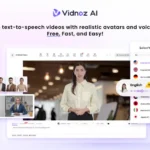
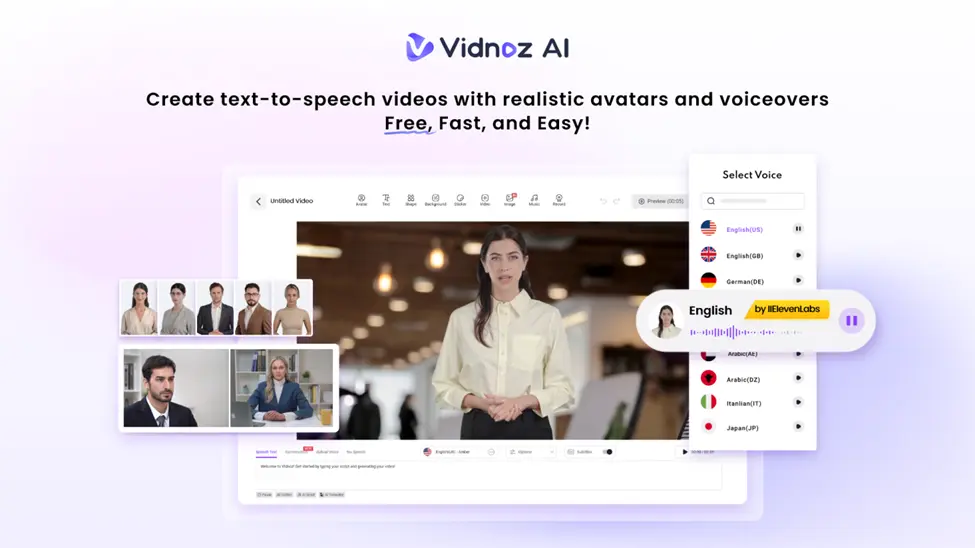
Vidnoz AI video generator is an AI-powered platform that lets businesses create videos with AI avatars, voices, templates, and other visual elements.
Data security is also an important part of business video creation. Vidnoz achieved ISO/IEC 27001:2022 Certification for information security management after a third-party audit. The certification relates to information security controls and risk management. It is giving businesses an established security standard to consider when working with the platform.
Vidnoz AI provides a large collection of features that can help teams produce different versions of a message without starting every video from zero for customer-focused content.
Vidnoz AI Features That Make This Easier
Here are some amazing features of Vidnoz AI to know.
2000+ Lip-Sync AI Voices
Voice choice can change how a customer receives a message. Vidnoz AI offers more than 2000 lip-sync AI voices and support for 140+ languages. These voices can match scripts with synchronized lip movements and different speaking styles.
This is useful when creating separate versions for regional audiences or groups that respond better to a particular tone.
More Than 2,800 Video Templates
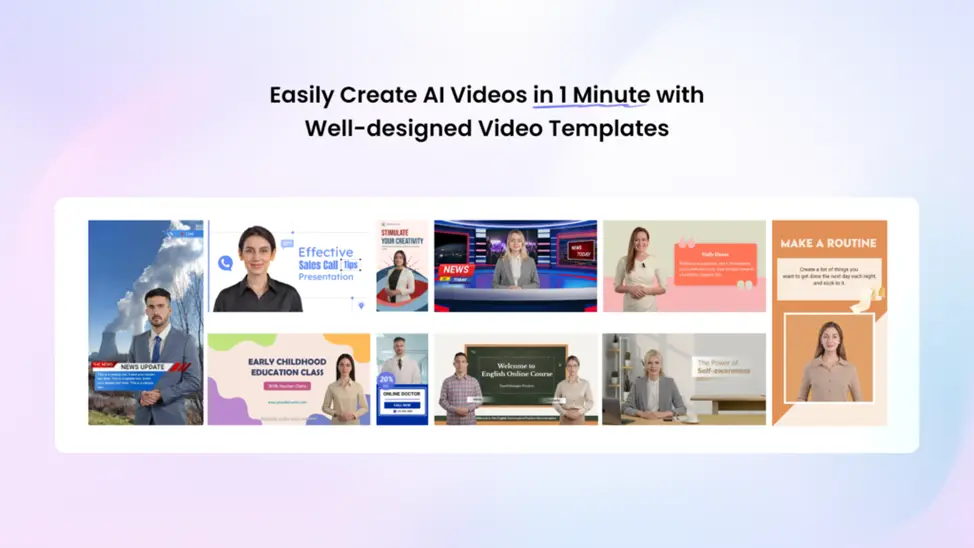
Vidnoz AI provides over 2,800 video templates for areas such as sales, marketing, communication, education, and customer support. Many templates can be edited with different text, visuals, avatars, and voices.
For example, a clothing brand could use one promotional concept for new customers and another format for repeat buyers.
Get 30 Credits for Free
Businesses can start without committing to a paid plan. Vidnoz AI currently offers 30 free credits per day on its free plan. This gives marketers a way to experiment with short customer videos and test different content ideas before expanding their workflow.
1,900+ Realistic Avatars
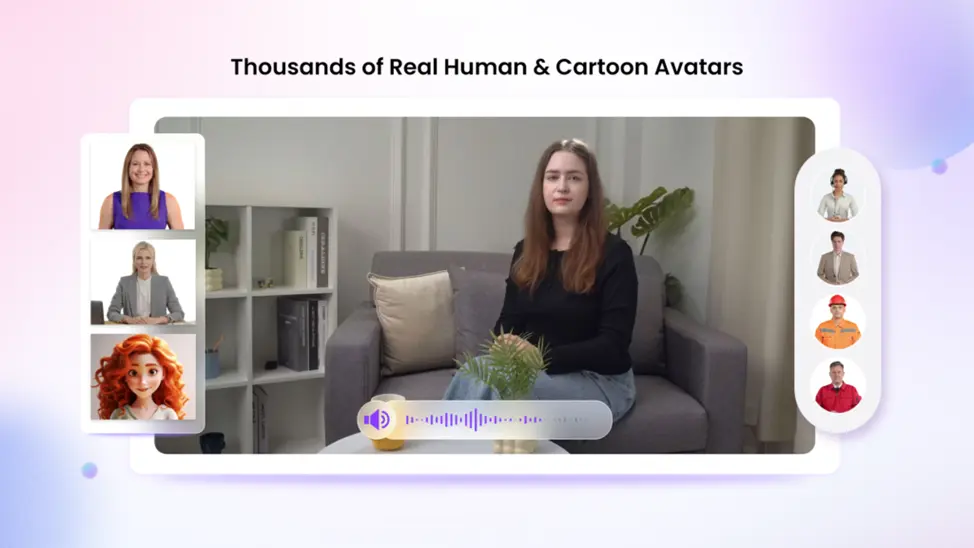
Vidnoz AI offers more than 1,900 realistic avatars. The library includes people suited to roles such as doctors, hosts, customer support staff, chefs, teachers, students, and business presenters.
Users can explore options such as Avatar Lite, Custom Avatar Pro, and Motion Avatars. Avatar Lite is designed for faster digital-twin creation, while Avatar Pro provides more advanced options, including background control. Custom avatars can also speak in multiple languages and use a cloned voice.
Motion Avatars add full-body movement, including gestures, posture, and expressions, and can also support cartoon-style videos. Expressive avatars with natural gestures and facial movements can make presentations feel livelier. Vidnoz AI has also introduced Expressive Avatars with realistic expressions, smooth movement, and subtle gestures across different avatar styles.
A Guide to Use Vidnoz AI to Create Videos for Different Customer Segments
Here are simple steps to use Vidnoz AI to create videos
Pick the Audience and Starting Design
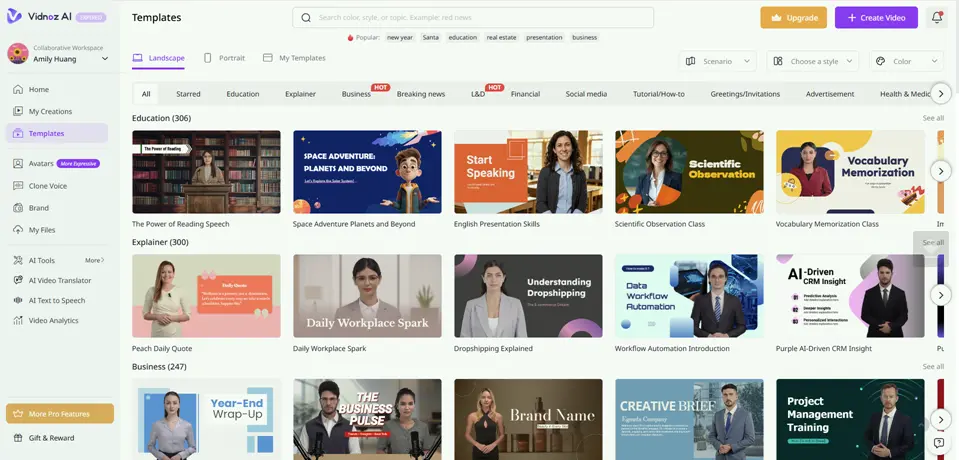
Start by deciding which customer group will receive the video. Then choose a suitable template and avatar from Vidnoz AI. A professional avatar may fit a product explanation, while a relaxed character could work better for social content. Keep the audience in mind from the beginning.
Prepare the Script and Voice
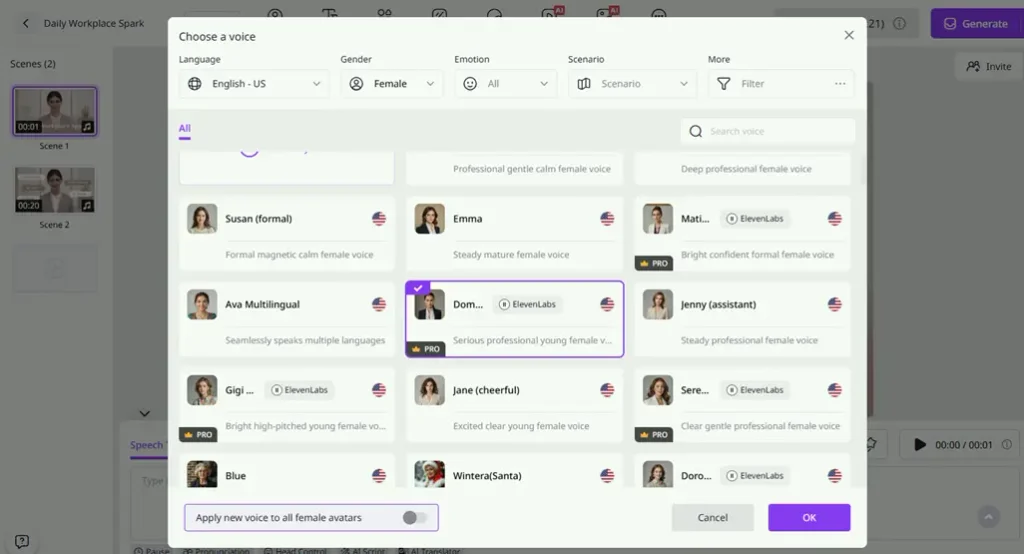
Write a short script around the group’s needs, questions, or interests. Select an AI voice that fits the message and choose the required language. Vidnoz AI can synchronize the generated voice with the avatar’s mouth movements, reducing the need for separate audio recording.
Adjust the Visual Message
Replace generic text with details that matter to the selected segment. Add product images, captions, logos, offers, screenshots, or supporting graphics. Small changes can make different versions feel distinct without requiring a completely new video project every time.
Generate, Review, and Distribute
Generate the video and watch it from the customer’s point of view. Check the pronunciation, timing, visuals, and message before sharing it. Once ready, distribute the video through email, social platforms, landing pages, sales messages, or customer support channels.
Keep Segment Videos Useful, Not Overly Complicated
Creating a separate video for every tiny customer group can quickly become difficult to manage. Start with the groups that matter most to the business.
Keep the core brand message consistent, then change the parts that actually need to change. These might include the opening line, examples, offer, language, avatar, voice, or call to action.
Short videos are often easier to understand and update. They also make it simpler to create several versions from the same campaign idea.
Final Thoughts
Customer segmentation does not have to mean producing dozens of videos from scratch. Businesses can create different versions of the same campaign for different audiences using Vidnoz AI.
Vidnoz AI brings amazing features and free credits into one workflow. These features can help marketing teams produce useful video content faster while keeping the message focused on the people watching it.
Also Read
- Innate vs. Enate Homophones: Spelling & Definition
- NSFW Meaning in Text: Usage, Examples & More
- Inclosed vs Enclosed: What’s the Real Difference?