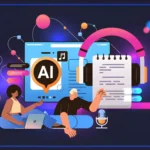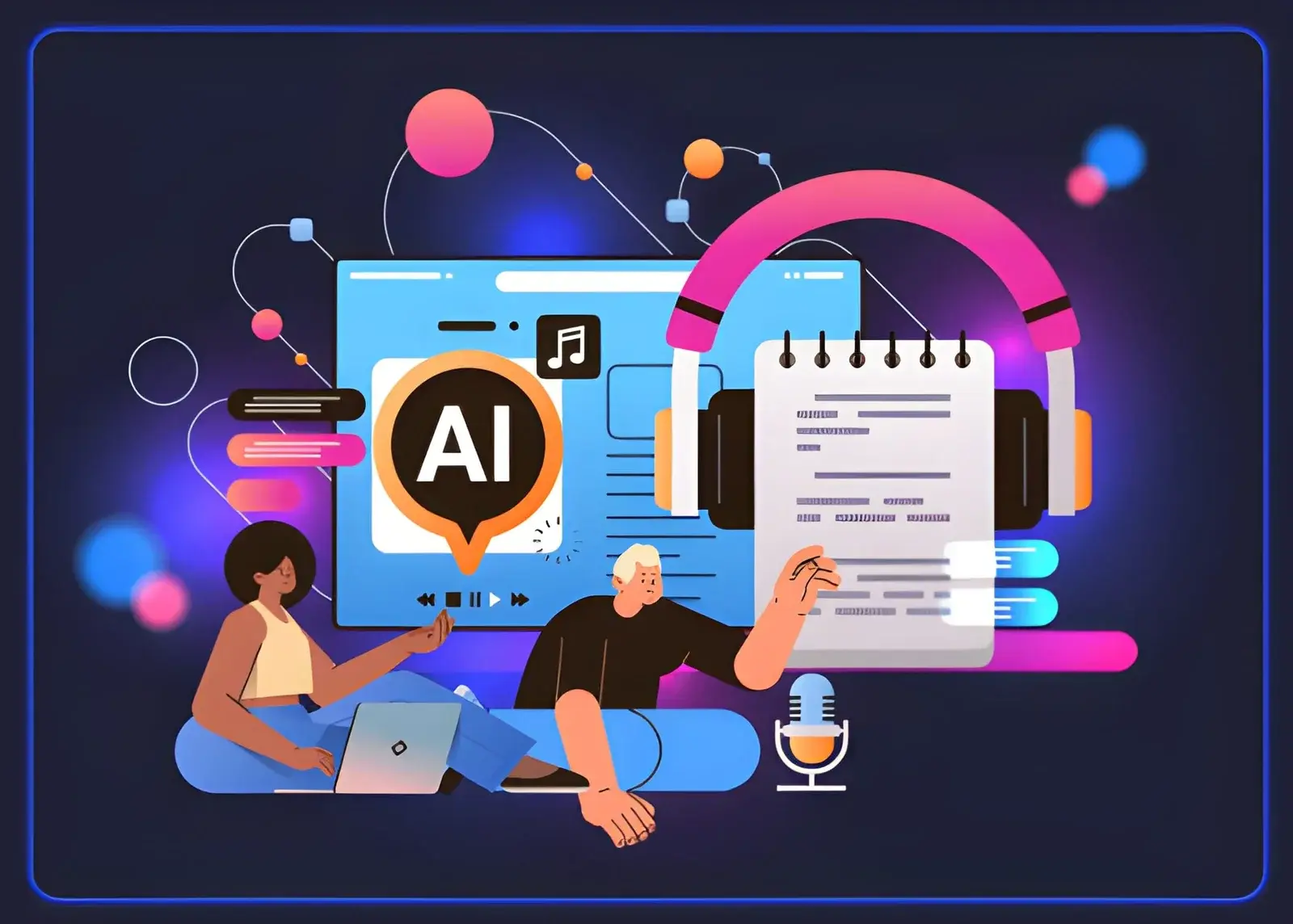
Creating engaging digital content is no longer limited to writing articles or publishing images. Today, creators can transform a single idea into blog posts, narrated videos, visual explainers, and social media content with the help of artificial intelligence.
For bloggers, educators, marketers, and independent creators, this approach can make it easier to repurpose existing content for different audiences. Instead of creating every asset from scratch, they can use AI tools to develop supporting visuals, generate narration, and organize ideas into a more complete multimedia experience.
But how do you combine AI writing, image creation, and voice technology into one practical workflow?
How Can AI Help Transform Written Ideas Into Multimedia Content?
AI-assisted content creation involves using different tools to turn written information into formats that are easier to explore, watch, or listen to. For example, a detailed blog post could become a narrated explainer video, an illustrated social media carousel, or an audio version for people who prefer listening.
A typical workflow might include three stages:
- Develop the idea: Write a clear article, script, lesson, or explanation.
- Create supporting visuals: Generate illustrations, diagrams, or scene concepts that communicate the main points.
- Add narration: Use voice technology to convert the written script into audio.
The key is to select tools based on the specific task rather than expecting one AI system to handle every part of the process equally well.
What Is AI Text to Speech, and How Does It Work?
AI text to speech is technology that converts written text into spoken audio using synthetic voices. Depending on the platform, users may be able to select different voices, adjust speaking speed, choose languages, or modify the delivery style.
This technology can make written information more accessible and help creators produce audio content without recording every line themselves.
Common applications include:
Blog narration: Turn written articles into audio so audiences can listen while commuting or multitasking.
Educational materials: Create spoken versions of lessons, tutorials, and study resources.
Video voiceovers: Generate narration for product demonstrations, explainers, and informational videos.
Accessibility: Offer an alternative way to consume written content for people who prefer audio or benefit from listening.
Content localization: Produce narration in additional languages when the selected tool supports them, followed by appropriate language and pronunciation checks.
For the best results, prepare a script specifically for spoken delivery. Short sentences, natural transitions, and clearly written numbers or abbreviations can improve the listening experience. Always review the generated audio for pronunciation errors, awkward pauses, and unnatural emphasis.
How Can You Create Visuals to Support an AI-Narrated Article?
Audio explains the message, but visuals can help audiences understand complex ideas and stay engaged. A tutorial about renewable energy, for example, might use illustrations of solar panels, wind turbines, and electricity networks alongside its narration.
AI image tools can help creators explore these visual concepts without producing every illustration manually.
Start by identifying the main points in your script. Then decide which ideas would benefit from a visual explanation. A simple introduction may need only one illustration, while a technical tutorial might require several distinct images.
When writing image prompts, describe the subject, environment, composition, lighting, and intended style. If the visuals belong to the same project, maintain a consistent color palette and art direction.
Can Claude Work as an AI Image Generator?
People searching for a Claude AI image generator may be looking for a way to create illustrations directly from a text prompt using Claude.
It is important to understand the distinction between image assistance and image generation. Claude can help users analyze supported image inputs, brainstorm visual concepts, write detailed image prompts, and plan creative workflows. However, Claude does not natively generate finished images in the same way as a dedicated image-generation tool.
A practical workflow is to use Claude to develop the concept and then send the resulting prompt to a suitable image-generation platform.
For example, suppose you are producing an illustrated article about ocean conservation. Claude can help you outline the article, identify the key visual ideas, and write prompts for scenes such as coral reefs, marine wildlife, and plastic pollution. You can then use a dedicated image tool to generate the illustrations.
This approach separates the planning process from the actual image-generation task and gives creators more flexibility when choosing their preferred visual tools.
How Can You Combine AI Text to Speech and AI-Generated Images?
Combining narration with visuals can turn a static article into a more engaging multimedia resource. The process does not need to be complicated, especially when you begin with content you have already written.
Step 1: Choose a Topic and Define the Audience
Start with a clear question or problem. For example, a small business might create a tutorial explaining how to prepare a product for an online store.
Identify what the audience should learn and select the most important points to include.
Step 2: Write a Narration-Friendly Script
Adapt the original article into a script that sounds natural when spoken aloud. Remove unnecessary repetition, simplify complicated sentences, and organize the information into a logical sequence.
Read the script aloud before generating audio. This makes it easier to identify phrases that may sound awkward in narration.
Step 3: Generate the Audio
Use an AI text to speech tool to produce a narration track. Choose a voice that suits the content and review the entire recording before moving to the next stage.
Correct pronunciation issues and regenerate sections that sound unnatural.
Step 4: Plan the Supporting Images
Break the narration into sections and identify where a visual could explain or reinforce the message. Use image prompts that directly support the spoken content instead of adding decorative images without a clear purpose.
For example, a tutorial about gardening could combine narration with illustrations showing soil preparation, planting, watering, and plant growth.
Step 5: Assemble the Multimedia Content
Place the narration and visuals in a video editor or presentation tool. Synchronize each image with the relevant section of the script, and add captions when they improve accessibility.
Before publishing, check the timing, audio levels, visual quality, and accuracy of the information.
What Are the Benefits of Repurposing Content With AI?
Repurposing content helps creators reach people who prefer different formats. Some readers want a detailed article, while others prefer a short video or audio explanation.
An AI-assisted workflow can offer several advantages:
- More content formats: Turn one researched topic into written, visual, and audio assets.
- A more efficient process: Automate parts of narration and visual ideation.
- Improved accessibility: Offer audio alternatives and captions where appropriate.
- Creative flexibility: Experiment with different visual styles and narration approaches.
- Consistent messaging: Build multiple assets around the same central explanation.
These benefits depend on the quality of the source material and the amount of review involved. AI-generated audio and visuals should be checked for errors rather than published automatically.
What Should You Consider Before Publishing AI-Generated Content?
Using AI tools does not remove the need for editorial judgment. A polished voiceover can still contain a factual error, and an attractive illustration may misrepresent the topic.
Before publishing, consider the following:
Accuracy: Verify factual statements, statistics, and technical explanations.
Voice quality: Check pronunciation, pacing, and whether the narration suits the intended audience.
Visual relevance: Make sure each image supports the message rather than distracting from it.
Copyright and permissions: Review the usage rights for source materials, generated assets, and any voice or likeness used.
Disclosure: Follow applicable platform rules and audience expectations for identifying AI-generated or synthetic content.
Accessibility: Include captions, readable text, and alternative descriptions where appropriate.
These checks help make AI-assisted content more useful, trustworthy, and suitable for its intended audience.
Final Thoughts
Turning written ideas into audio and visual content can help creators communicate information in more flexible ways. AI text to speech can provide narration for articles and tutorials, while dedicated image-generation tools can create illustrations that support the message.
For people exploring a claude AI image generator, understanding the difference between planning visual concepts and generating finished images is an important first step. Claude can assist with ideas and prompts, while a dedicated image tool can produce the visual assets.
The most effective approach combines the strengths of different tools with careful editing, fact-checking, and a clear understanding of the audience. Start with useful information, choose the right format for each part of the message, and use AI to improve the content experience rather than adding technology without a purpose.
Also Read